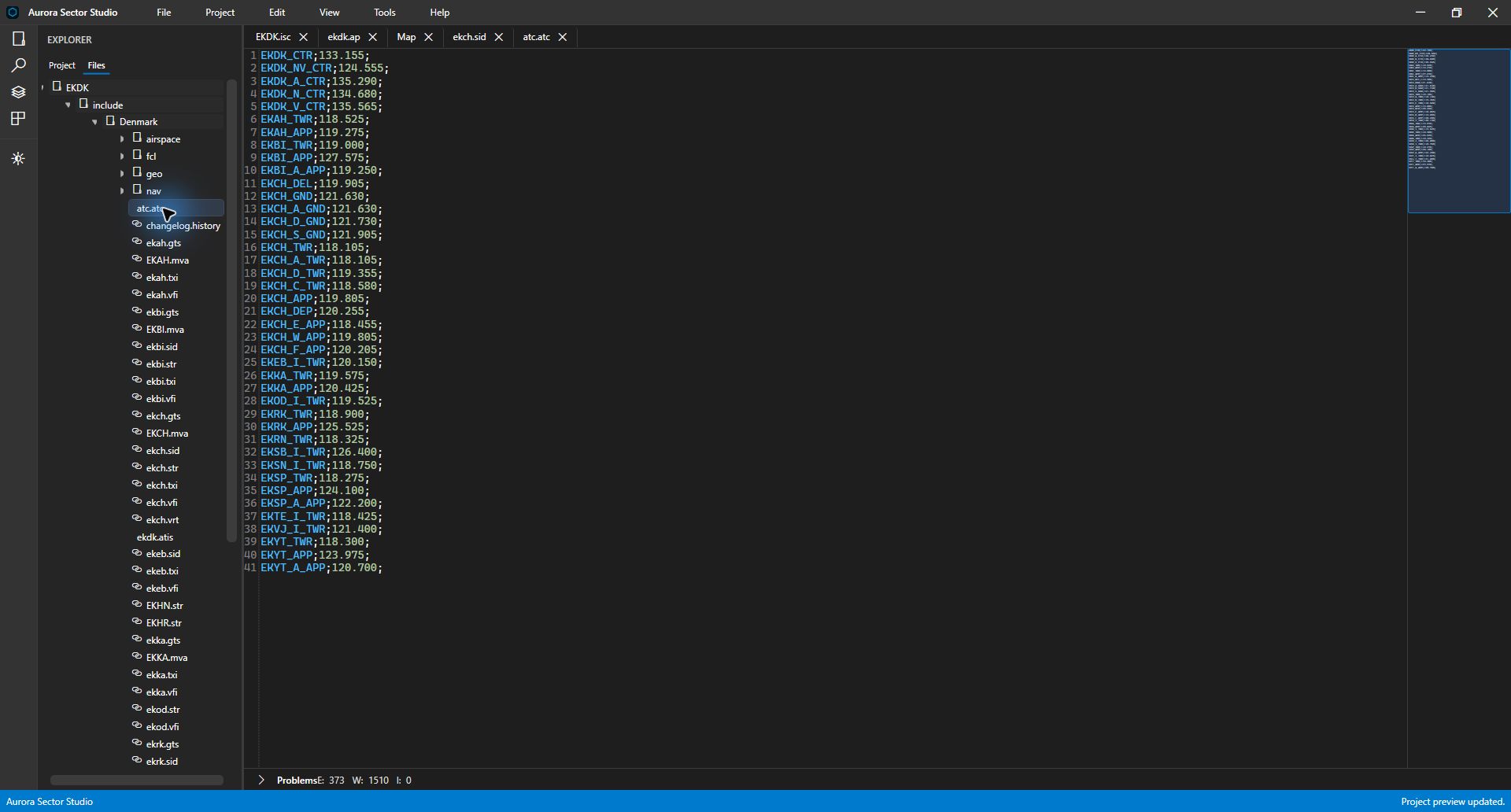
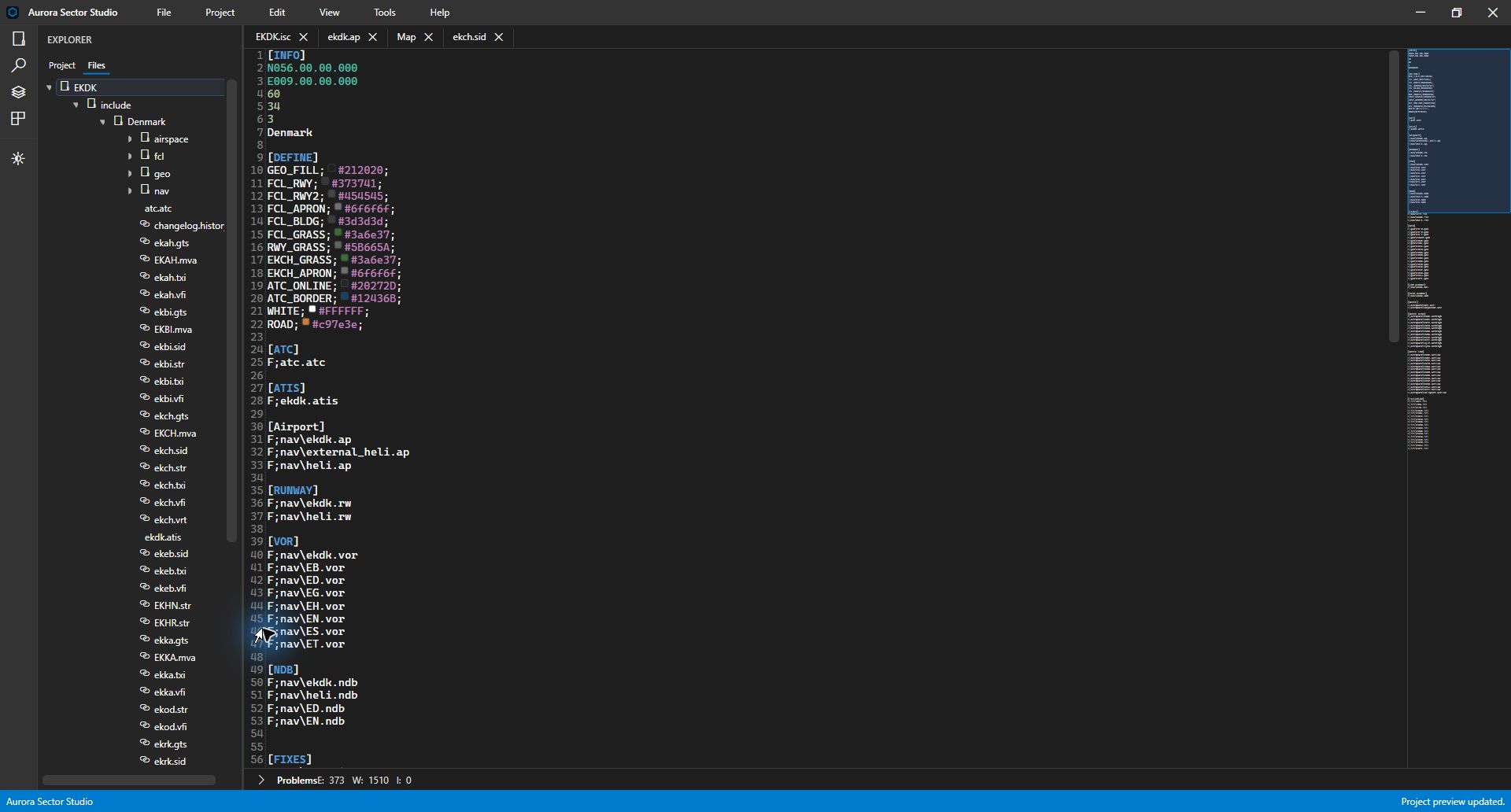
Project & files
Keep the whole sector in reach.
Navigate the root sector file, include folders and supporting assets in one workspace. Switch between the file hierarchy and the project view to find airports, fixes, navaids and ATC positions.
Inside Aurora Sector Studio
Organise your project, edit the source, inspect the map and investigate validation findings. See the workspace in action, then explore the documented Alpha 5 map tools.
Captured in 0.4.7.1-alpha4 Screenshots use the EKDK project. Check downloads for the current public build and release notes.
Project & files
Navigate the root sector file, include folders and supporting assets in one workspace. Switch between the file hierarchy and the project view to find airports, fixes, navaids and ATC positions.
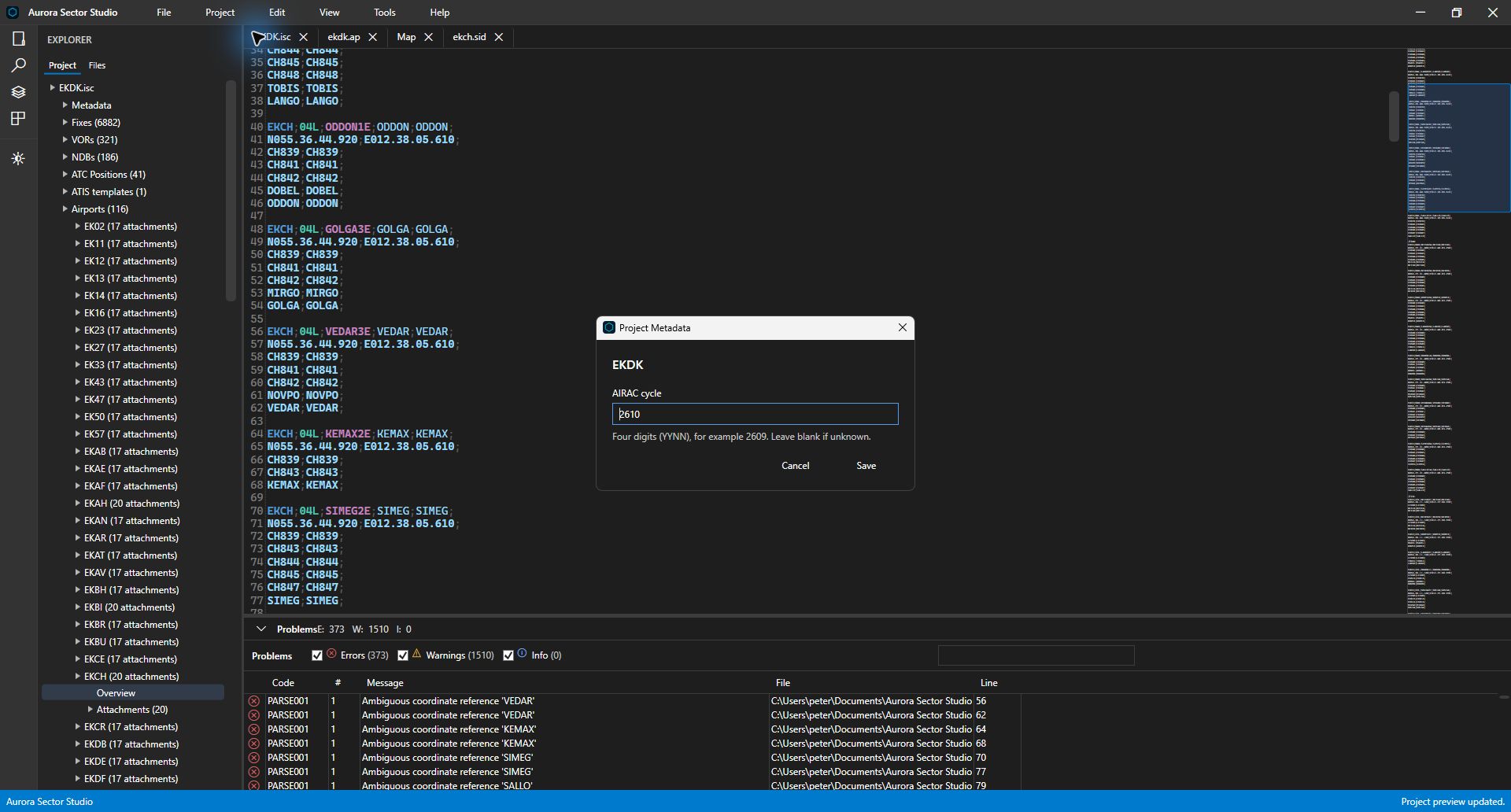
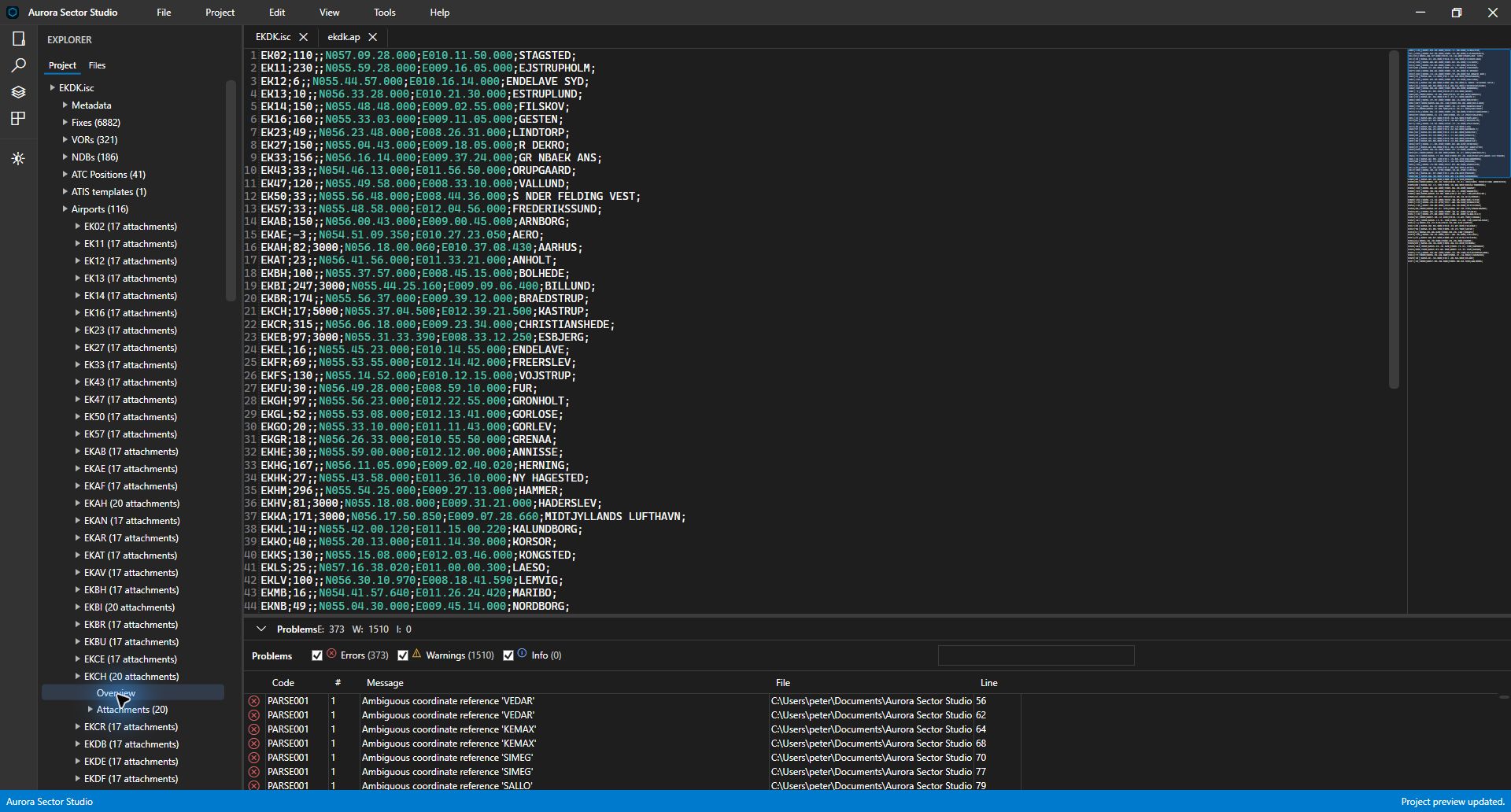
Source editing
Open sector documents in tabs with syntax highlighting, line numbers and a minimap. Work with the source behind airports, procedures, ATC definitions and other sector assets, with Save, Save As and Save All available from the File menu.
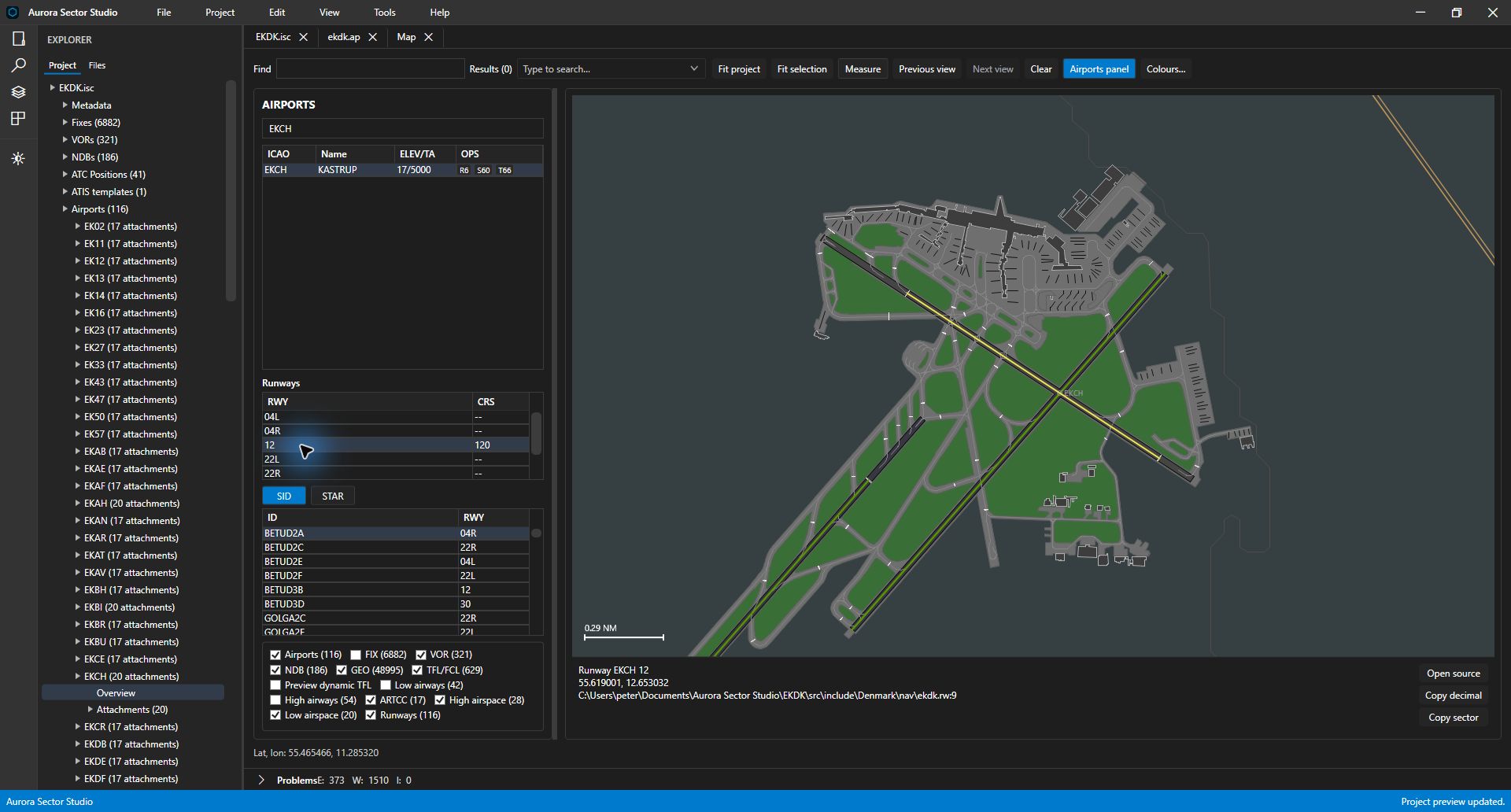
Map & airports
Inspect airport surfaces, runways, navaids and airspace on the map. Choose the layers you need, fit the view to a selection, and follow the selected feature back to its source file.
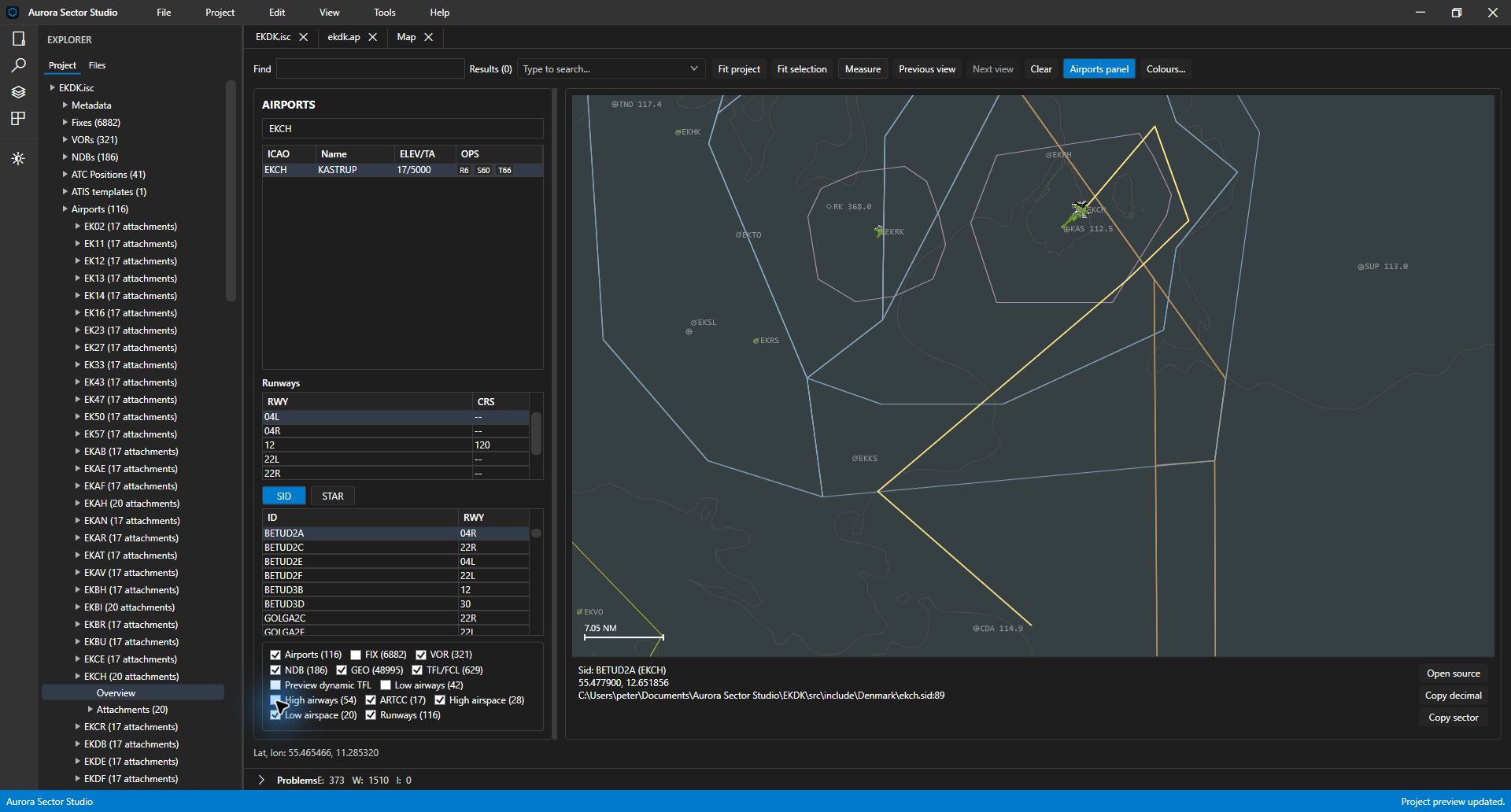
Procedure browsing
Filter the airport browser, inspect its runways, and choose a SID or STAR variant. The map focuses on the selected procedure so you can review the route in the context of the surrounding sector geometry.
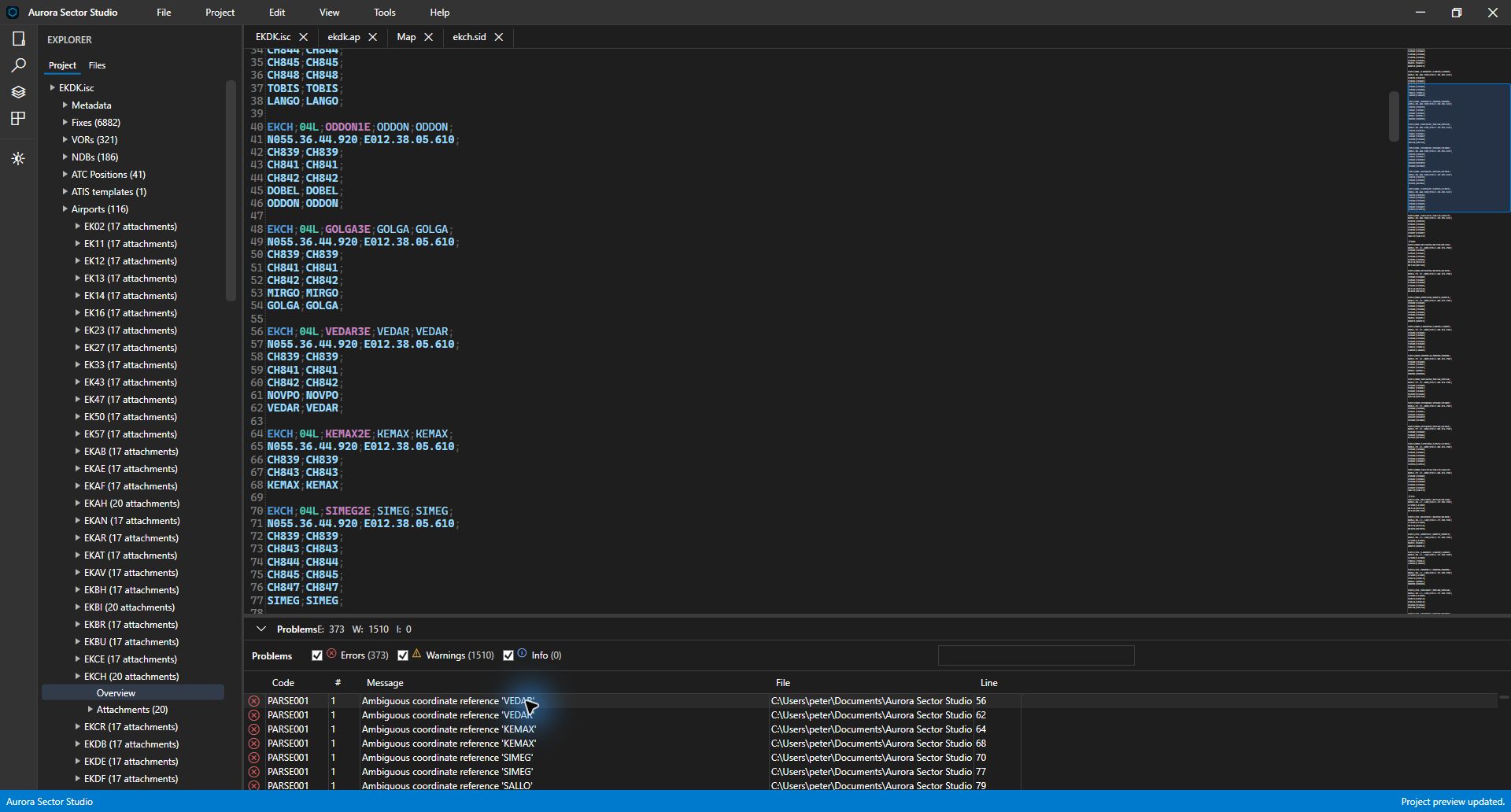
Validation & diagnostics
Review errors and warnings in the Problems panel, with diagnostic codes, messages, file references and line numbers. Open a finding to navigate to the affected source and investigate it in context.
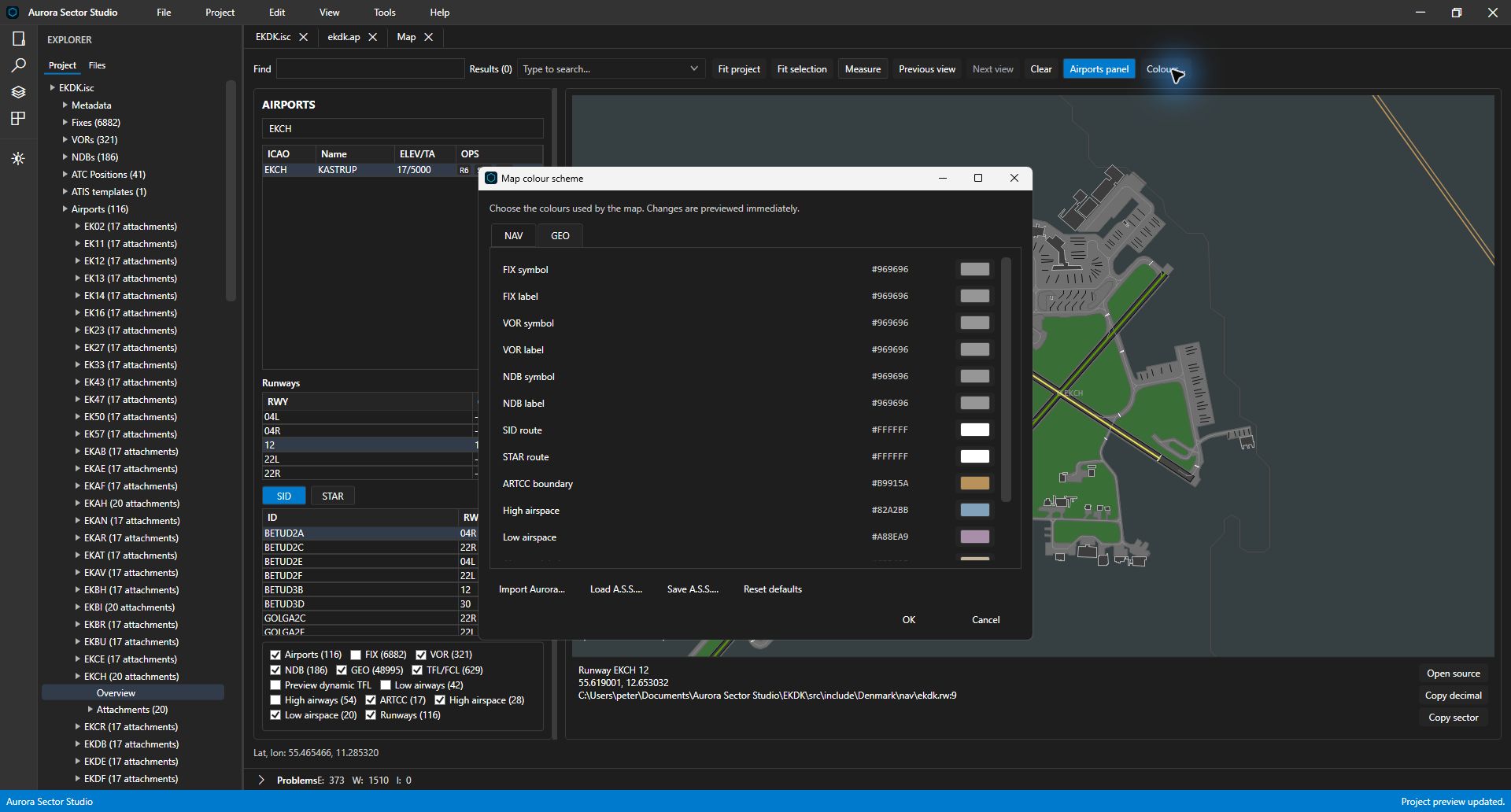
Map colours
Review the colours used for navigation features, procedures and airspace alongside your map. The colour-scheme window includes Aurora import and controls to load or save a Sector Studio scheme.
Alpha 5 map tools
The Alpha 5 geometry tools build on the project, source and map workspace: drawing curves, calculating turns and refining existing coordinate paths.
Alpha 5 tool capture These Alpha 5 tool captures use example data. The workspace screenshots above are labeled Alpha 4. Check downloads for the current public build.
Procedure drawing
Define an arc by its centre, radius and radials, or use endpoints. Preview the generated coordinates before applying them to your SID or STAR document.
Explore arc drawing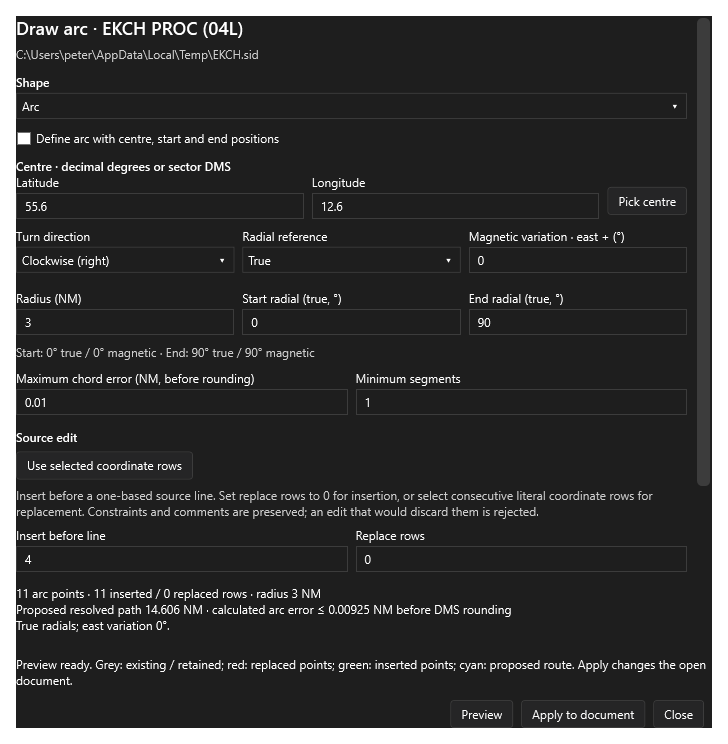
Holds & procedure turns
Create holding patterns and procedure turns from a fix, course, turn direction and dimensions. Set holding legs by distance or by time and speed, then review the result before applying it.
Explore holding patterns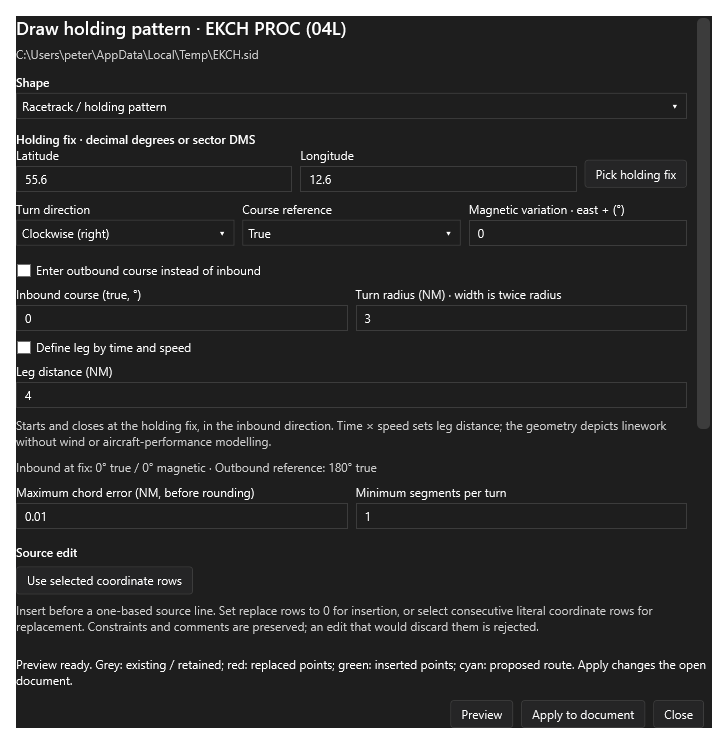
Turn calculators
Fit a chart base turn from VOR radials and DME distance. For numeric drawings, the TAS and bank-angle calculator can calculate a turn radius and pass it into the drawing tool.
Explore the calculators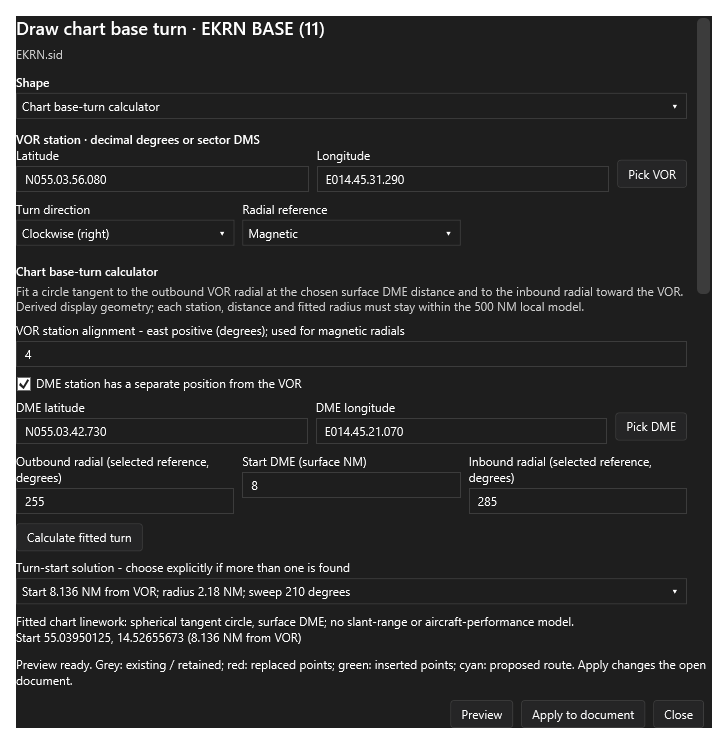
Point editing
Move or insert individual points, reverse a connected path, or adjust point density. Compare the source before and after an edit, with comments and constraints preserved.
Explore point editing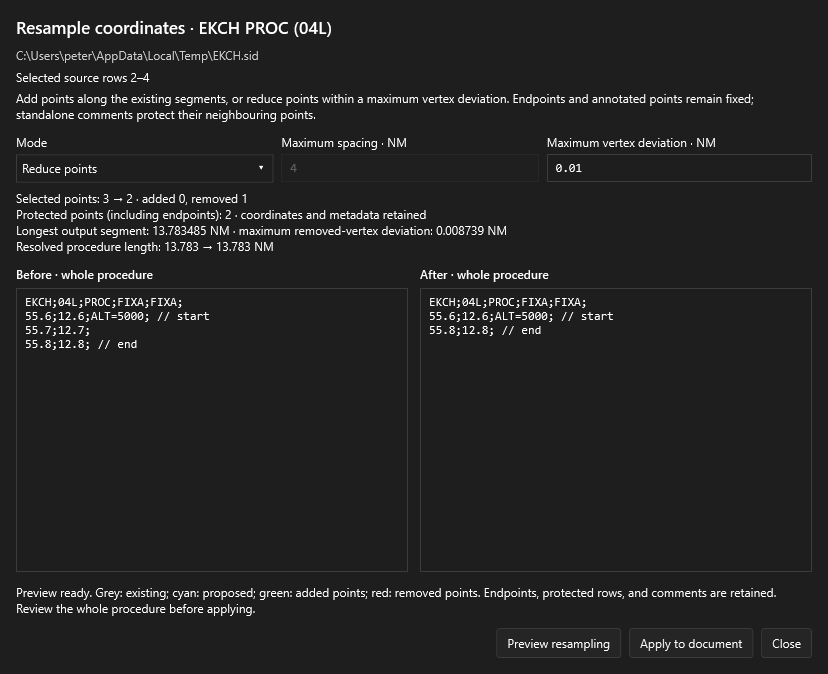
Check downloads for the public release and its release notes. The documentation includes project resources and guides to the Alpha 5 map tools.